One Facebook menu, three shop screens and a weekly routine
Cindy kept posting her changing menu on Facebook. I made a publish-menu skill to turn that familiar starting point into screen artwork, website updates and Square item checks.
Cindy was already used to posting her menus on Facebook when she was doing home catering, before the shop opened. Customers were used to it too. Most of them would look there to see what she planned to make in the coming week.
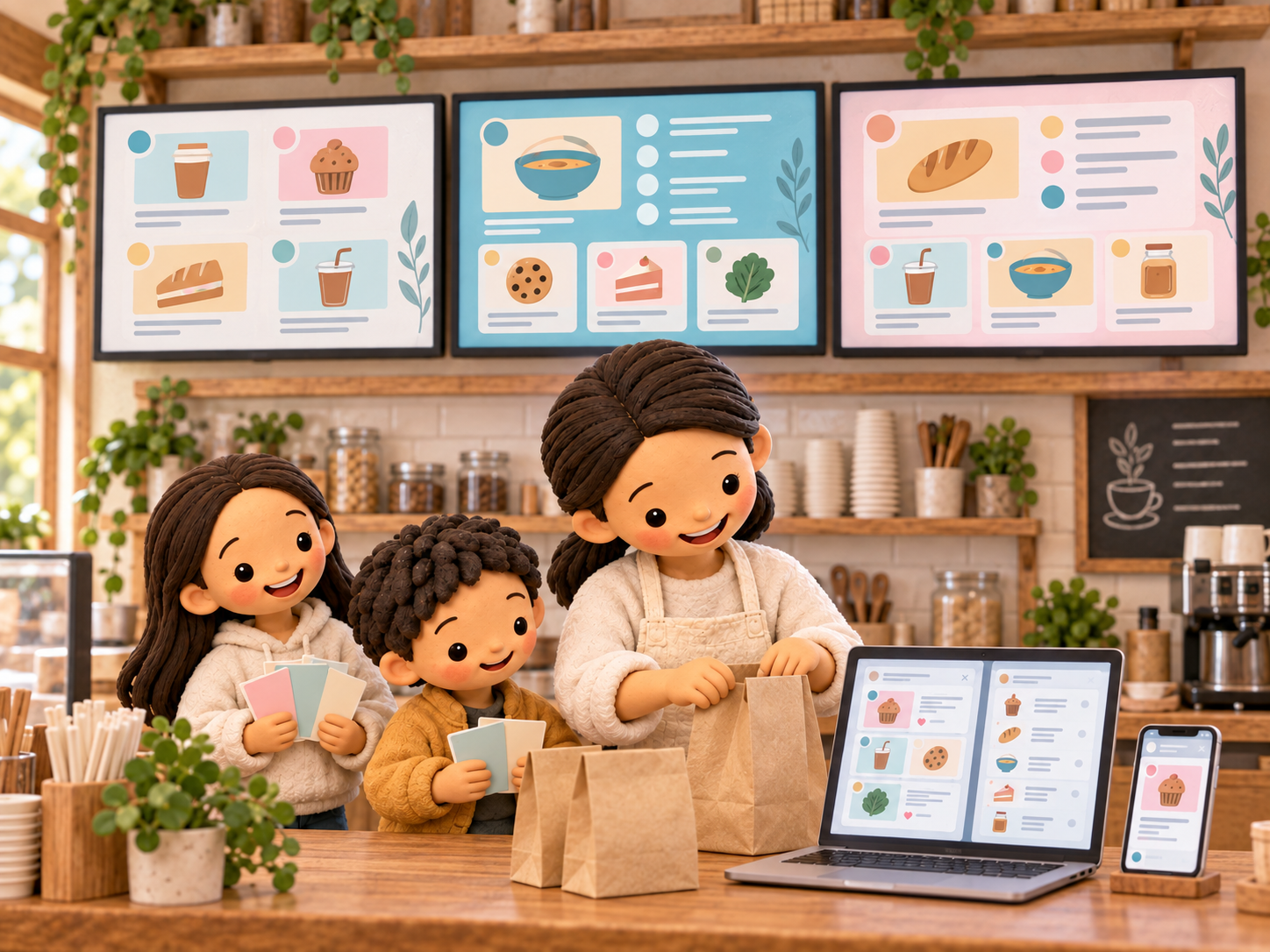
Once the shop was open, we had three large television screens inside. I wanted to use them to show the menu for each day. But Cindy’s menu changes, so a fixed display or a permanently printed menu would not do the job.
The information now had several places to go. We needed to take the menu from Facebook and design artwork for the three screens. We also had a website for Chloe’s Mama Kitchen that needed the latest menu, and we needed to check Square for new items or prices that no longer matched.
Doing that by hand meant moving between several tasks: downloading the Facebook text and images, designing the screen layouts, updating the website and comparing the items in Square. It was a fairly involved routine to repeat every week.
So I made a skill called publish-menu. A skill is a reusable set of instructions for the AI agent. In this case, it describes the whole menu-publishing routine, so I can ask the agent to run it again when the next menu is ready.
When I run it each week, it checks Cindy’s latest weekly menu post on Facebook and saves the text and photos. It uses that material to prepare the designs for the three shop screens, then updates the menu on the website.
It also compares the menu with the Square item catalogue. It checks for missing items to add and flags price differences that need attention. Those checks are part of the same flow, alongside the screen designs and website update.
My rough estimate is that doing this manually used to take about an hour, sometimes longer. With the AI agent, the same flow takes around ten to fifteen minutes in my experience.
The other benefit is that I do not have to sit and watch every step while it runs. I can get on with something else. Cindy can keep posting her menu in the place she and her customers already know, and the skill handles the repeated work of carrying that information into the shop’s other tools.